
|6.195Mins Read
YouTube to MP3 Online: How to Convert & Download 320 kbps (2026)
- Authors

- Name
- Geeks Kai
- @KaiGeeks
Loading share buttons...
Loading content...
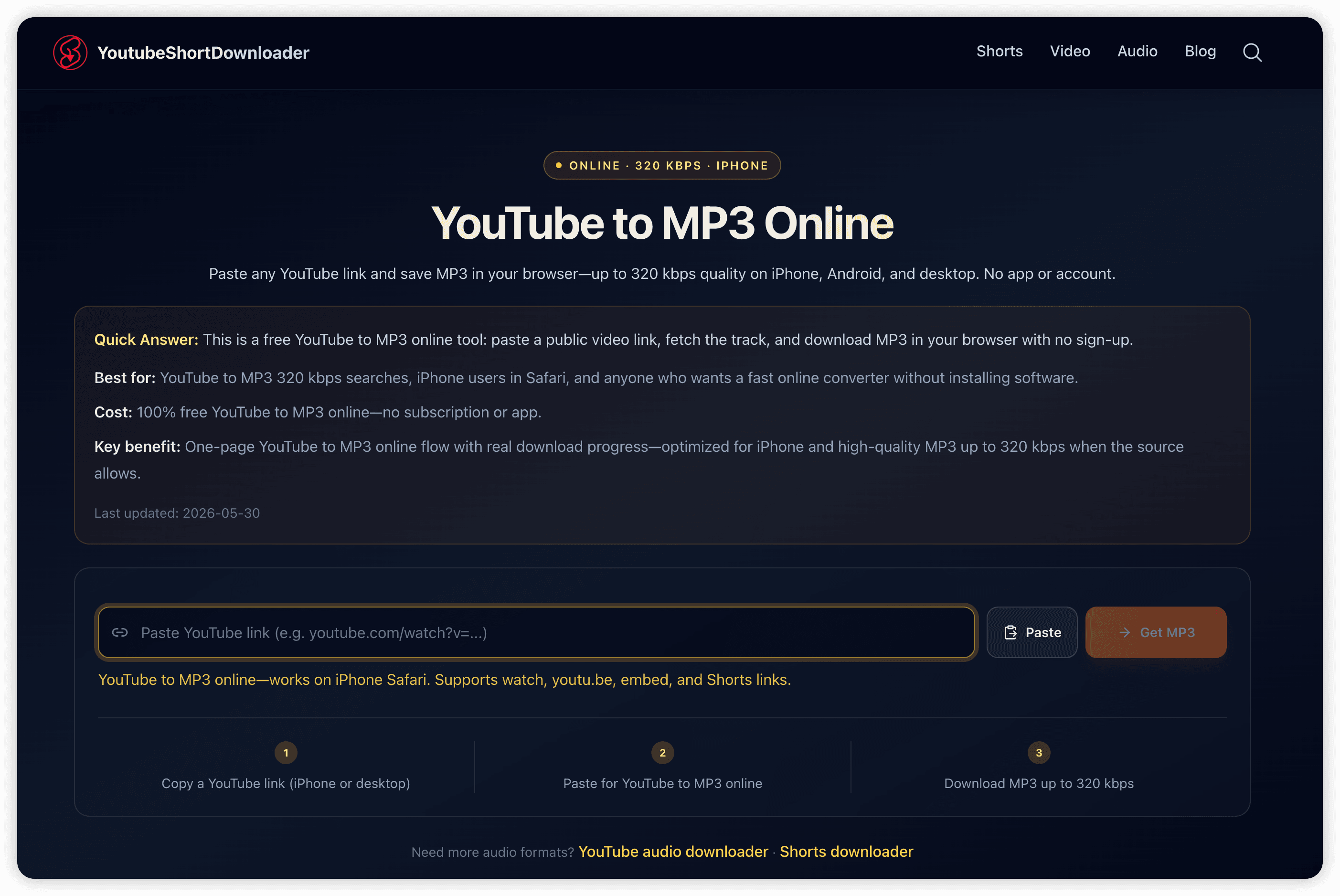
Quick Answer: Copy your YouTube video link, paste it into YoutubeShortDownloader, click Get MP3, then Download MP3 to save an audio file on your device—up to 320 kbps when the source allows.
Best for: Music listeners, podcast fans, students, and iPhone users who want YouTube to MP3 320 kbps without installing an app
Cost: Free — no sign-up or install when you use the YouTube to MP3 online converter
Key benefit: Paste-and-download flow in the browser on phone, tablet, and desktop with high-quality MP3 output
To convert YouTube to MP3 online, you need a public YouTube URL and a browser-based converter that extracts the audio track—not a screen recorder or desktop installer. YoutubeShortDownloader resolves the link, prepares the MP3, and saves a standard .mp3 file you can play in any music app or editor.
People search for youtube to mp3 when they want offline music, portable podcast episodes, or lecture audio without streaming. That intent shows up daily among commuters, gym listeners, language learners, and creators who need a file on disk—not just a YouTube bookmark.
For the fastest path, use our free YouTube to MP3 converter: paste, fetch, download—three steps.
Use this workflow every time:
Core facts:
youtube.com/watch?v=…, youtu.be/…, youtube.com/embed/…, youtube.com/shorts/…Goal: Save one YouTube video as an MP3 file on your device.
https://www.youtube.com/watch?v=VIDEO_IDhttps://youtu.be/VIDEO_IDhttps://www.youtube.com/shorts/VIDEO_IDQuick sanity check: If the link opens the video in a browser tab, you have the right URL.
The tool loads the title and thumbnail while preparing the MP3. If the video is private, age-restricted in your region, or removed, you may see an error—only public videos that play on YouTube can be converted.
Quick takeaway: No account—paste, fetch, download.
YoutubeShortDownloader accepts the same links users copy from YouTube’s share menu:
| Link type | Example pattern | Works? |
|---|---|---|
| Watch URL | youtube.com/watch?v=VIDEO_ID | Yes |
| Short link | youtu.be/VIDEO_ID | Yes |
| Embed URL | youtube.com/embed/VIDEO_ID | Yes |
| Shorts path | youtube.com/shorts/VIDEO_ID | Yes |
| Playlist-only URL | youtube.com/playlist?list=… | No — open the single video first |
| Channel home | youtube.com/@channel | No — use a specific video link |
Skip guesswork: paste any supported link into YoutubeShortDownloader and let the tool resolve the video ID.
| Bitrate | Audio quality | Typical use |
|---|---|---|
| 128 kbps | Standard | Smaller files, spoken-word content |
| 192 kbps | Good | Podcasts, interviews, lectures |
| 256 kbps | Very good | Balanced music listening |
| 320 kbps | Excellent | YouTube to MP3 320 kbps — clearest MP3 for music |
Important: Final MP3 quality depends on the source YouTube audio. This converter targets up to 320 kbps when the source supports it—you cannot upgrade low-quality uploads beyond what YouTube hosts.
Best practice: Start with the highest-quality source video on YouTube (official uploads, HD music videos) for the best YouTube to MP3 320 kbps result.
According to YouTube's Terms of Service, downloading content outside official YouTube features may violate platform rules. Use converters for personal offline listening of content you have rights to access—not for re-uploading or commercial redistribution without permission.
| Method | Pros | Cons |
|---|---|---|
| YoutubeShortDownloader (MP3 online) | Clean audio file, up to 320 kbps, no install, works on iPhone Safari | Requires a public URL; subject to YouTube availability |
| Desktop converter apps | Batch processing on some tools | Install required; unknown software risk on free downloads |
| Screen recording + extract audio | Works when no tool is available | Lower quality, extra steps, captures UI noise |
For listen-ready MP3 files, browser-based conversion is usually faster and cleaner than recording the screen.
Related tools on YoutubeShortDownloader:
YouTube to MP3 online means converting a video to MP3 entirely in your browser—paste a link, fetch the track, download. YoutubeShortDownloader is free on desktop and mobile.
Yes, when the source audio supports it. Paste your link, click Get MP3, then Download MP3. Quality targets 320 kbps for music and podcasts where available.
Open Safari, go to YoutubeShortDownloader, paste the link, tap Get MP3, then Download MP3. Check Files or the browser download list for the saved MP3.
Same steps in Chrome or Firefox. After download, check Downloads or tap the completion notification to open the MP3.
No. YoutubeShortDownloader runs in your browser. Avoid unknown APKs that claim to be “YouTube to MP3 downloaders”—they often carry malware.
No. YouTube Premium offline playback stays inside the YouTube app under Google’s terms. YoutubeShortDownloader gives you a standalone MP3 file on your device for workflows that need a real audio file.
This article explains the method and URL formats. For every new video, use the YouTube to MP3 converter—paste, fetch, download.
Bottom line: To convert YouTube to MP3 online, copy a supported link, paste it into YoutubeShortDownloader, click Get MP3, and save the file. Keep one trusted browser converter bookmarked so YouTube → MP3 stays a three-step habit—free, fast, and up to 320 kbps when the source allows.